Solid maroon Guy & Associates logo
Canopy logo, featuring a black rounded triangular symbol beside the word “canopy” in lowercase black text.

Setup for Tax and Accounting Firms

Is your tax or accounting firm overwhelmed managing client records, document requests, and team assignments during busy season?

Our Canopy Setup Service is designed specifically for tax professionals who need streamlined workflows to organize client information, track deadlines, coordinate with team members, and manage documents throughout the tax season.

What’s Included in Our Canopy Setup Service?

Light gray textured abstract surface with subtle shading and graininess.
Screenshot of a project management dashboard showing tasks in categories: To Do, In Progress, and In Review. Each task lists details such as name, assignee, due date, and priority level. Icons for adding tasks and navigation options are visible on the sidebar.
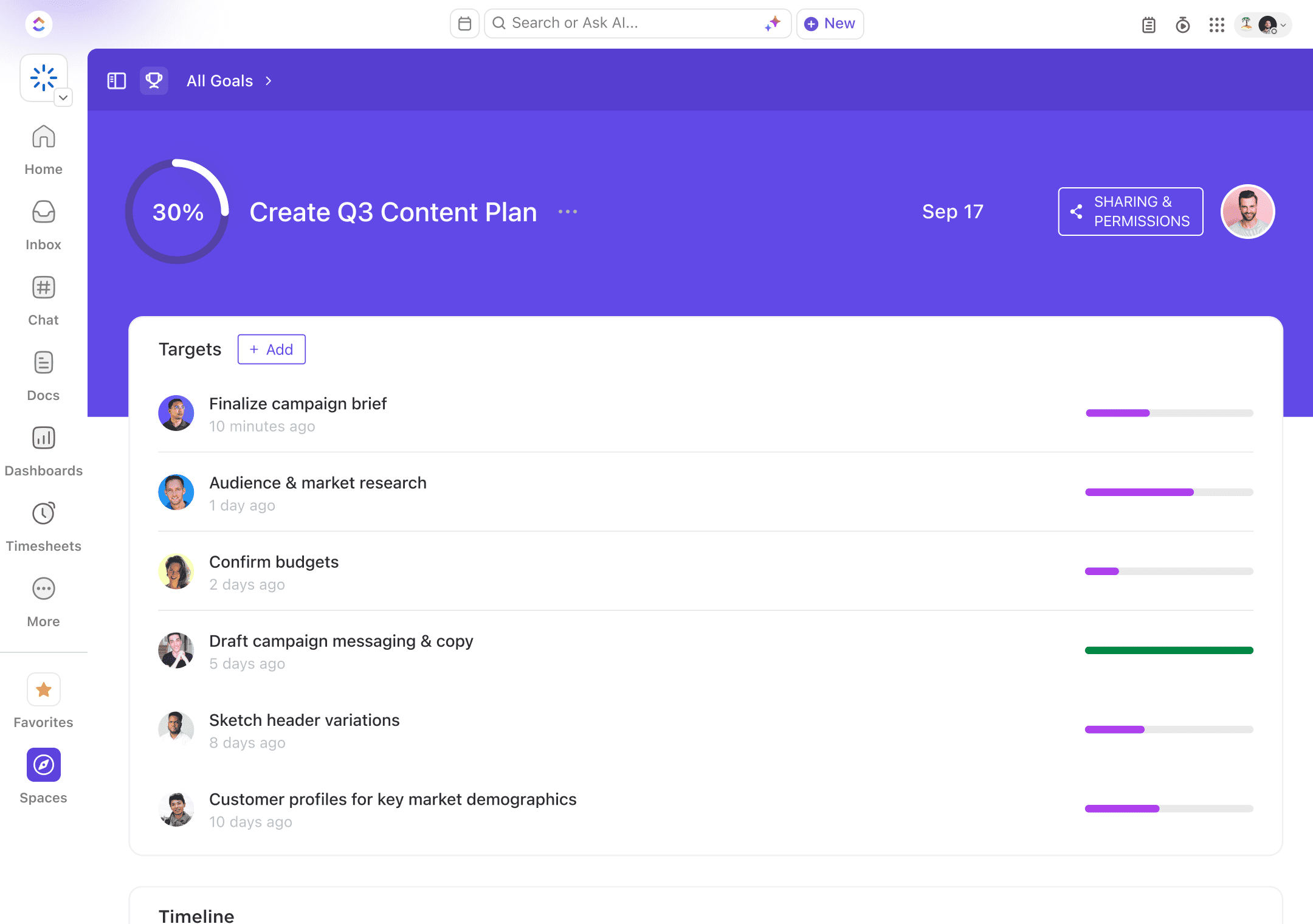
Project management dashboard displaying goals and tasks for a Q3 content plan with a 30% completion progress, task list with completion bars, and navigation menu on the left.
Project management dashboard displaying task status summary including Unassigned, Open, In Progress, and Completed tasks. It features Sprint BurnDown and Sprint Velocity charts, showcasing task progress and effort over time. Interface elements include navigation menu with options like Dashboards and Timesheets.
Project management software interface displaying tasks under categories: To Do, In Progress, and In Review, with columns for assignee, due date, priority, and AI summary. Includes icons for adding tasks, automation, and other features.

Client & Contact Organization
Organize client records and contact details so your team can find the information they need without searching across separate systems.

Dashboard interface displaying a Q3 content plan progress at 30%, with task list including finalize campaign brief, audience & market research, confirm budgets, and others. Navigation on the left includes links to Home, Inbox, Chat, Docs, Dashboards, and more.

Task & Deadline Management
Set up tasks, assignments, and due dates to keep recurring work organized and make team responsibilities clear.

Flowchart diagram on a whiteboard interface depicting a project timeline with steps for creating wireframes, reviewing them, moving to high-fidelity design, setting up development, and final launch. Includes tasks, user avatars, and project information.

Document Organization
Build a consistent folder structure that makes client documents easier to store, locate, and share.

Automation dashboard interface displaying tasks with various triggers and actions, including status changes and task creation, organized under categories and solutions with integration options like Bugsnag and GitHub.

Client Portal & Requests
Simplify document collection with a client portal and clear requests that help clients understand what your team needs next.

Screenshot of a team communication platform interface showing various chat threads. The left sidebar lists navigation options like Home, Inbox, Chat, and more. The main section displays discussions and posts within the 'Feedback' channel, including bug reports and team updates. Users interact via comments, replies, and reactions.

Workflow Templates & Automation
Create repeatable task workflows and automated steps to keep work moving with fewer manual updates.